Flexbox Lily Pond
Flexbox Lily Pond is a coding puzzle where every answer is a line of CSS. A few frogs sit in a pond, and each one wants the lily pad that matches its color. You move them by writing flexbox rules for the pond, the same rules web developers use to arrange boxes on a page.
Nothing is simulated or simplified. The frogs shift as soon as you type, so you see right away what each property does. It loads in a plain browser tab with no install, which makes it a handy practice tool on a school laptop.
How to play Flexbox Lily Pond
The left side shows a short lesson and a code editor. The pond sits on the right. The editor already sets display: flex on the pond, and you add the missing lines. When every frog rests on a pad of its color, the Next button lights up and you can move on.
There are 24 levels, and each adds one new idea. You start by sliding frogs along the row with justify-content and up or down with align-items. Then flex-direction turns the row sideways or backward. Later stages bring in order and align-self for single frogs, flex-wrap and flex-flow for multiple lines, and align-content for spacing those lines.
Settings under the editor let you hide the lessons for a harder run and turn on a colorblind mode with marked frogs and pads.
Controls
| Action | Keyboard | Mouse | Touch |
|---|---|---|---|
| Write CSS | Type in the editor | — | Tap the editor and use the on-screen keyboard |
| Go to the next level | Enter on the last line, or Ctrl + Enter | Click Next when it lights up | Tap Next |
| Jump to a level | — | Click the level counter and choose a number, or use the arrows beside it | Tap the level counter and choose a number |
| See all values of a property | — | Click a highlighted property name | Tap a highlighted property name |
| Open settings | — | Click Settings | Tap Settings |
Tips
- Ask yourself which way the main axis runs before typing. When flex-direction is set to column, justify-content moves frogs vertically instead of sideways.
- Tap any highlighted property word in the lesson. A small panel lists every value it accepts, so you do not have to guess spellings.
- Reversed directions flip what start and end mean. With row-reverse, flex-start pushes frogs to the right edge.
- On levels with a rule for one frog color, edit only that rule. The other frogs are usually already where they need to be.
- If frogs sit on several lines, align-content spaces the lines, while align-items lines up frogs inside each line.
If you like Flexbox Lily Pond, try these
 CSS Grid Carrot Patch
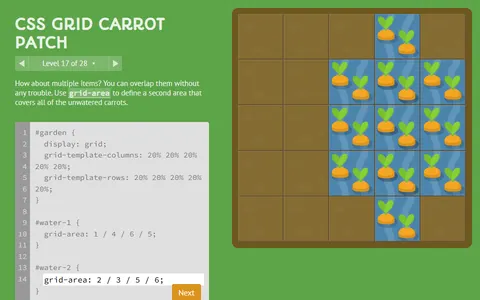
Layout CSS continues with grid rules, watering carrots and spraying weeds across a garden.
 CSS Diner
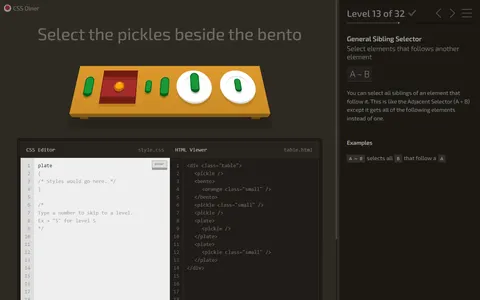
Selectors come next, typing CSS that picks out exactly the right plates and snacks on a table.
Questions
Is Flexbox Lily Pond good for learning CSS?
Yes. Every answer is valid CSS that would work on a real web page, and the lessons explain each property before you use it. By the last levels you will have used all the main flexbox properties.
Does it save which levels I finished?
It does. Your current level and the answers you typed are kept in your browser, and the level menu flags each stage you have already cleared.
How many levels are there?
There are 24. The final ones mix two or three properties at once, so they take more thought than the opening stages.
More like this: all puzzle games · every game A–Z