Robot Coder
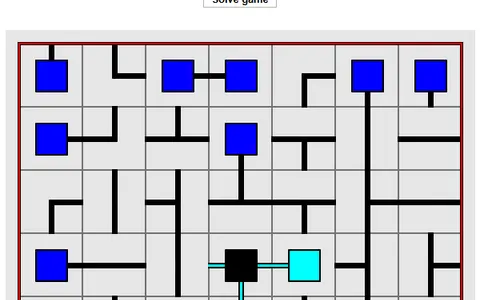
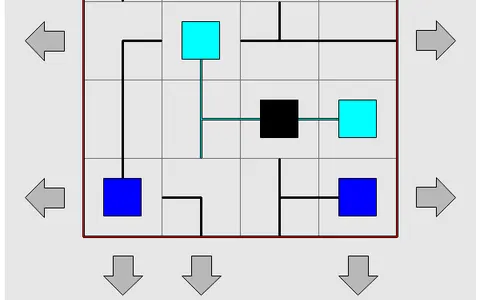
Robot Coder is a planning puzzle where you program a little robot before it moves a single square. You line up every command, press play, and then can only watch as it carries out your plan.
Its creator, Schnark, built it as an entry for js13kGames in 2018, so the download is tiny and it loads quickly in any browser. That makes it a handy pick for a school laptop, and it works with a keyboard, a mouse or a touchscreen.
How to play Robot Coder
Each level shows colored items and targets of the same colors. Build a program from the command pad: step forward, turn left, turn right, take, and drop. The robot always acts on the square directly in front of it.
It can carry one item at a time. Deliver every item to its matching target to clear the level. A run fails if the robot hits something, grabs at an empty square, drops in the wrong spot, or ends with targets still open, and a message explains what happened.
Loops repeat a section of code two to nine times, so long runs of the same move shrink to one symbol. Early tutorials explain each command, and solving levels unlocks more groups. There is also an editor for building your own maps.
Controls
| Action | Keyboard | Mouse | Touch |
|---|---|---|---|
| Step forward | _ (underscore) | Forward arrow key | Forward arrow key |
| Turn left or right | < or > | Turn keys | Turn keys |
| Take or drop an item | Up arrow / Down arrow | Up or down key | Up or down key |
| Add a loop | Digit 2-9, then + or - | Loop key, then plus or minus | Loop key, then plus or minus |
| Move cursor or delete | Left/Right, Home, End, Backspace | Cursor and delete keys | Cursor and delete keys |
| Run the program | Enter | Play button | Play button |
Tips
- Count squares on the map before you type anything. The robot needs to stop facing an item, one square short of it.
- Turns happen in place. Two turns in the same direction leave the robot facing backward, which is often the quickest way to head home.
- If an item blocks your path, drop it on a free square and come back for it later.
- Lower the speed with the slider next to play. The highlighted command shows exactly where your plan goes wrong.
- Aim for a solution that works, even a clumsy one. Afterward, come back and fold repeated moves into loops for a shorter program.
If you like Robot Coder, try these
 Block Code Maze
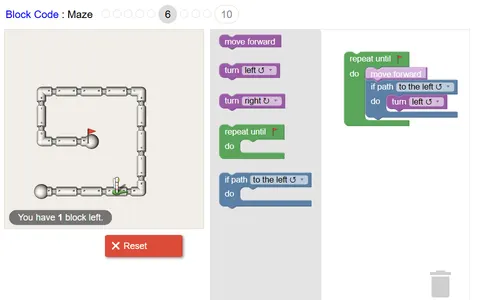
Loops and turns guide an astronaut through pipe mazes, built with drag-in blocks across ten levels.
 The Great Train Robbery
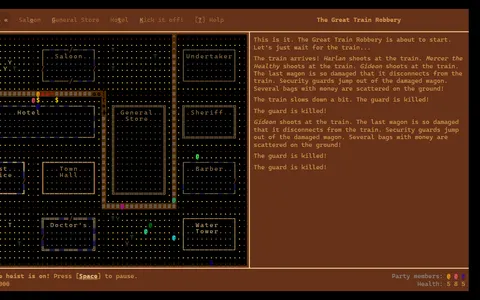
Write the plan first, then watch it run: the same idea drives an Old West heist with a whole gang.
Questions
Does Robot Coder save which levels I solved?
Yes. Your results are stored in the browser, so unlocked levels and your best programs are still there when you return on the same device and browser.
Is Robot Coder good for learning to code?
It teaches the core ideas of planning steps in order and using loops to avoid repeats. There is no typed language, just command symbols, so younger players can follow it.
Can I turn the sound off?
Yes. The game plays short beeps for moves and wins, and a mute button turns them off.
More like this: all puzzle games · every game A–Z