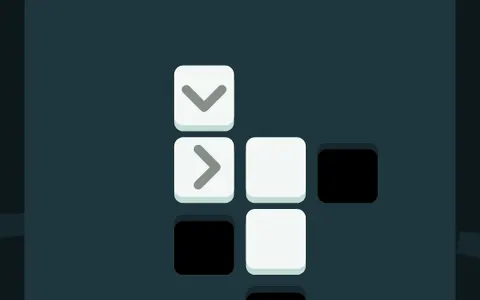
Block Code Maze
Block Code Maze is a first coding lesson disguised as a maze game. You never type anything. You snap colored blocks into a short program, press Run, and an astronaut walks the white pipes exactly as you told it to.
It comes from Google's open-source Blockly Games, and a school laptop can open the maze editor without any setup. There are ten mazes, and each one adds a new idea.
How to play Block Code Maze
The maze fills the left side and the workspace sits on the right, with a gray toolbox of blocks between them. Drag blocks such as move forward and turn left onto the white area and line them up until each one snaps under the last. Press Run Program to watch the astronaut follow your stack step by step.
If it walks into a wall, the run ends and you can press Reset, rearrange your blocks and go again. Reach the goal flag to solve the level and see the JavaScript your blocks turned into.
Later levels set a limit on how many blocks you may use, shown in the corner of the maze. That budget is the game's way of pushing you toward repeat loops and if blocks, which let a tiny program cover a long path.
Controls
| Action | Keyboard | Mouse | Touch |
|---|---|---|---|
| Add a block | — | Drag from the toolbox to the workspace | Drag with a finger |
| Connect blocks | — | Drop one under or inside another | Drop one under or inside another |
| Delete a block | — | Drag it to the trash can or toolbox | Drag it to the trash can |
| Pick a direction | — | Click the block's drop-down arrow | Tap the drop-down arrow |
| Run or reset | — | Click Run Program, then Reset | Tap Run Program, then Reset |
Tips
- Walk the path with your finger on the screen first and say each step out loud. Then turn those words into blocks.
- When you see the same pair of blocks twice in a row, wrap them in a repeat block and remove the copy.
- On levels with turns at uneven spots, an if block that checks for a path ahead or to the side saves you from counting steps.
- The final maze can be solved by always keeping one hand on a wall. Think about which way to turn first when a path opens up.
- Watch the run slowly. The block that is running lights up, so you can spot exactly where your plan goes wrong.
If you like Block Code Maze, try these
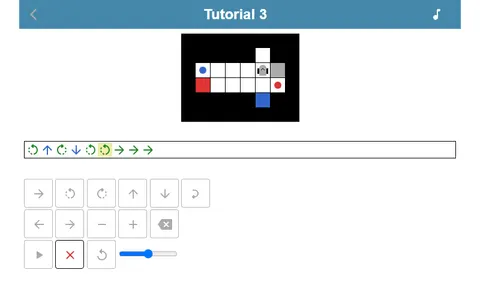 Robot Coder
Loops and moves are again your tools, but now the robot has items to drop off rather than a single exit to reach.
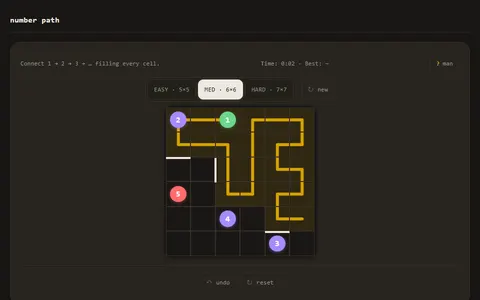 Number Path
Like mazes but not code? You draw one line that visits the numbers in order and fills every square.
Questions
How many levels are in Block Code Maze?
There are ten, starting with a two-step walk and ending with a maze that needs a general rule for finding the exit. You can jump between levels with the numbers at the top of the page.
Does Block Code Maze save which levels I solved?
Yes. Come back later in the same browser and the levels you cleared still show as done along the top.
Is Block Code Maze good for young kids?
It is built for beginners, with no typing and short goals on each level. Kids who can read simple directions like move forward and turn left can usually start right away.
More like this: all puzzle games · every game A–Z