Block Code Turtle Art
Block Code Turtle Art is a drawing game where your program holds the pencil. A small turtle waits on a black canvas, and every move forward or turn you give it leaves a white line behind.
The puzzles are taken from Blockly Games, a free project by Google, and they load straight in your browser with nothing to set up. The levels start with a plain square and build up to stars, patterns and a crescent moon.
How to play Block Code Turtle Art
Each level shows a faint outline of the target picture and a one-line goal. Choose blocks from categories such as Turtle and Loops, drag them into the workspace and snap them into a stack. Press Run Program and the turtle draws your design at the speed you set with the slider.
When your lines cover the outline, the game says so and shows the JavaScript behind your blocks. If something is off, press Reset to clear the canvas, change an angle or distance, and try again.
The tenth level has no outline at all. Extra categories for math, logic, variables and functions open up, so you can make any picture you can think of.
Controls
| Action | Keyboard | Mouse | Touch |
|---|---|---|---|
| Open a category | — | Click its name | Tap its name |
| Build the program | — | Drag blocks and snap them together | Drag blocks with a finger |
| Edit a value or color | — | Click the value on a block | Tap the value |
| Draw or clear | — | Click Run Program, then Reset | Tap Run Program, then Reset |
| Drawing speed | — | Drag the turtle-to-rabbit slider | Slide the speed control |
Tips
- Any regular shape needs a total turn of 360 degrees. Divide 360 by the number of sides to find the angle, so a hexagon turns 60 degrees six times.
- A five-point star turns more than a full circle. Try 144 degrees inside a repeat of five and watch the points appear.
- Put one repeat inside another to stamp a shape several times around the center, which is how many of the patterns are made.
- Use the pen up block to move the turtle without drawing, handy for spacing out separate shapes.
- Speed the slider all the way up once your loops are right. Big patterns can take a long time at the slow setting.
If you like Block Code Turtle Art, try these
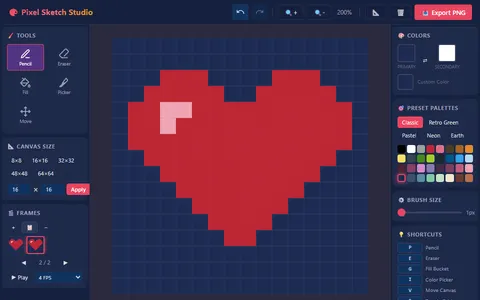 Pixel Sketch Studio
Drawing without code: paint pixel art with palettes and fill tools, then animate frames and export a PNG.
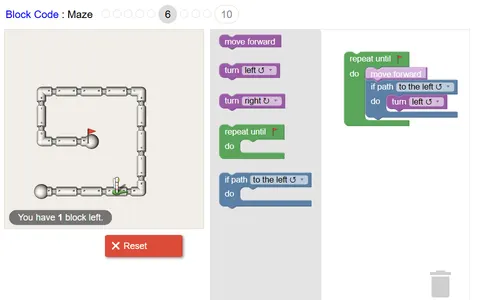 Block Code Maze
Same drag-and-snap blocks, this time steering an astronaut through pipe mazes with turns, repeats and if checks.
Questions
How does Block Code Turtle Art know my drawing is right?
When the program ends, it compares your lines against the gray target outline. If they match closely, you get a message and an offer to move on to the next level.
What should I do on the free drawing level?
Anything you like. Variables and functions let you build spirals, flowers or grids that would be hard to draw by hand, and the canvas has no target to match.
Does Block Code Turtle Art work on a Chromebook?
Yes. It runs in the browser with a mouse or trackpad. A wider screen helps, since the canvas and the block workspace sit side by side.
More like this: all puzzle games · every game A–Z