Tiny Synth Piano
Tiny Synth Piano turns your computer keyboard into a small synthesizer. On screen you see 36 piano keys split into three rows, one octave each, with the low notes on the bottom row. Every note is generated by your browser as you play, so there are no sound files to load.
Frank Force originally wrote it as 1Keys, a piano squeezed into roughly a single kilobyte of code. What you get here is his expanded version, with labels on the keys and controls for octave, musical key and wave shape. It opens in a regular browser tab with nothing to set up.
How to play Tiny Synth Piano
There is nothing to win here. Press a letter and the matching key on screen lights up red while the note plays. Release it and the sound fades away smoothly, then the key returns to its normal color. You can hold several keys at once for chords.
The keyboard layout follows the rows on your own keyboard. Z, X, C and the letters beside them play the lowest octave, with S, D and other keys in the row above giving the sharps and flats. The Q row and the number keys cover the middle octave in the same pattern, and I, O, P and the bracket keys reach into the top octave.
Small buttons at the top switch voices. The default is an organ sound, marked with a piano icon, and you can also choose brass, strings or a pure single tone. The Shape menu picks the waveform for all voices: sine, square, sawtooth or triangle, ranging from mellow to buzzy.
Controls
| Action | Keyboard | Mouse | Touch |
|---|---|---|---|
| Low octave | Z S X D C V G B H N J M | — | — |
| Middle octave | Q 2 W 3 E R 5 T 6 Y 7 U | — | — |
| Top octave | I 9 O 0 P [ = ] | — | — |
| Play or hold a key | — | Press and hold, or drag across keys | Touch and hold a key |
| Change voice, shape, octave or key | — | Click the controls at the top | Tap the controls at the top |
Tips
- Play one note with each wave shape on the same voice. Brass on a square wave and brass on a sine wave sound like two different instruments.
- Use Octave to drop the bottom row into a deep bass range, then play chords with your other hand on the Q row.
- Change Key rather than learning new fingerings. Your hands play the same pattern, and the melody comes out higher or lower.
- Hold the mouse button and sweep across the keys for a quick run of notes up or down the scale.
- On a touch screen, rest several fingers on keys at once. Each touch holds its own note, so simple chords work well.
If you like Tiny Synth Piano, try these
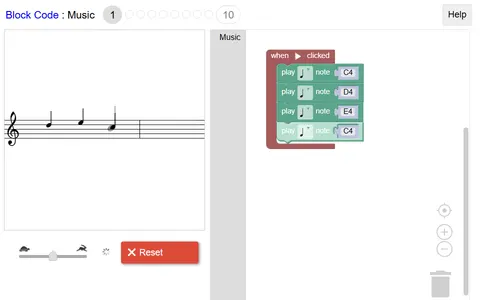 Block Code Music
Making music by snapping note blocks into a round, you then split it into voices with functions.
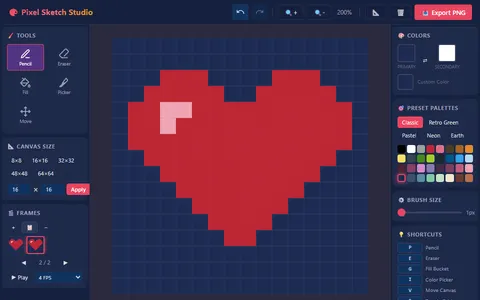 Pixel Sketch Studio
Creative tools with no score attached suit you here too, as this editor lets you paint and animate pixel art.
Questions
How do you play Tiny Synth Piano on a keyboard?
Use the bottom letter row for the low octave, the Q row with the numbers above it for the middle octave, and I, O, P and the brackets for the top notes. Keys in the row above each set play the sharps and flats.
Why is there no sound in Tiny Synth Piano?
Browsers keep audio paused until you interact with the page. Press a key or click a note once, and the game resumes the audio so later notes play right away. Also check that your tab and device are not muted.
Can I record songs in Tiny Synth Piano?
No. It has no recording or save feature. It is a live instrument for playing and experimenting in the moment.
More like this: all casual games · every game A–Z