Realm of Ages Clicker
Realm of Ages Clicker starts tiny: a single bucket of water and a button marked Gather. From there you hire workers, raise buildings and guide your little realm through history, one age at a time. Your realm even gets a randomly picked name to go with it.
Everything is shown as text, numbers and progress bars, so it loads fast and needs nothing installed. The game was made by an author named Sam, and it is released under the GPL. It is a good fit for leaving open in a tab while you check back now and then.
How to play Realm of Ages Clicker
First buy the free Water upgrade, then press Gather under it. Each click fills a red progress bar, and a full bar gives you one unit. Every resource has a storage limit shown on the bar above it, so once you hit the cap, buy a storage upgrade before gathering more.
Workers and buildings produce every second without you clicking. Workers keep the progress bars filling on their own. Buildings usually skip the bar and drop finished goods into your stock. Each purchase raises the price of the next one.
The big goals are age upgrades. Each new age awards an Advancement Point for special research and opens new options, starting in the Stone Age and moving into the Feudal Age, the Dark Age and beyond. Later on, the Prestige menu lets you found a colony, trading your current realm for points that carry over.
Controls
| Action | Keyboard | Mouse | Touch |
|---|---|---|---|
| Gather a resource | — | Click Gather | Tap Gather |
| Buy workers, buildings, upgrades or trades | — | Click a tile | Tap a tile |
| Check costs and effects | — | Hover a tile or click a resource name | Tap a resource name |
| Sell a worker or building | Hold Ctrl | Ctrl + click the tile | — |
| Switch panels | — | Click Messages, Statistics, Achievements or Settings | Tap a panel button |
Tips
- Only click for water until you can buy your first Water Fetchers. After that, let them do the gathering while you save up.
- Keep an eye on the storage bars. Clicking Gather on a full resource wastes your effort, so raise the cap or spend first.
- Hover over repeatable upgrades to see which tier you are buying. Some can be purchased several times with growing effects.
- Build a mix of workers and buildings. Certain tax trades later on turn your worker and building counts into gold, so both totals matter.
- If upkeep gets too heavy, hold Ctrl and click a tile to sell one back rather than letting your stock run dry.
If you like Realm of Ages Clicker, try these
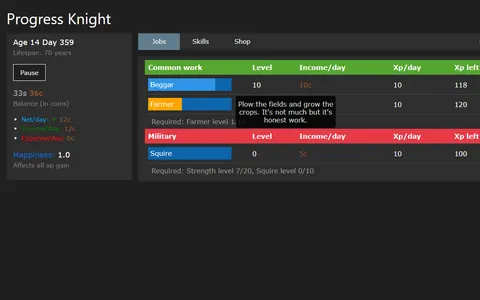 Progress Knight
Instead of building through ages, you live out medieval lives in text and climb from beggar toward knight.
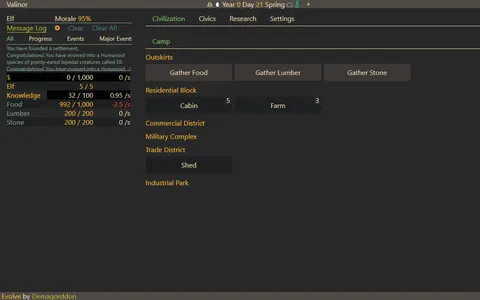 Evolving Civilization
Starting tiny and growing a whole society links them, with research and jobs adding more depth to the idle loop.
Questions
Does Realm of Ages Clicker save my realm?
Yes. The game autosaves to your browser, so your realm is waiting when you reopen the page on the same device. Clearing browser data will erase it.
What is prestige in Realm of Ages Clicker?
Prestige lets you start a colony once you have advanced far enough. Your current realm is reset, but you keep your Prestige and Advancement Points for the next run.
Can I play Realm of Ages Clicker on a phone?
You can tap the Gather buttons and tiles on a touch screen. Selling needs a held Ctrl key, and the layout is dense, so a computer is more comfortable.
More like this: all casual games · every game A–Z