Typer Defense
Typer Defense is a typing game where every enemy is a single letter. Letters drift in from the left and right edges toward a red circle in the center of the screen. Press the matching key and that letter explodes into a spray of colored dots.
There are no words to spell, just quick reactions and accurate key presses, which makes it a nice warm-up for learning where the keys are. Berk Erol made the original, called Typer. Because it needs a physical keyboard, it is best on a laptop or Chromebook.
How to play Typer Defense
Letters appear at random heights along both sides and travel toward the core, each at its own speed. Every correct key press destroys one letter and gives you a point. Pressing a key that matches nothing on screen takes a point away, so random hammering does not help.
By default the game is case sensitive. To hit a capital letter you have to hold Shift, and lowercase letters only count without Shift. A button at the top turns this mode off, after which only lowercase letters appear and Shift no longer matters.
Your 10 lives are counted in the upper-right part of the screen. Whenever a letter touches the core, you lose one and the screen is cleared before play continues. The run is over when your lives reach zero. Press Esc at any point to pause.
Controls
| Action | Keyboard | Mouse | Touch |
|---|---|---|---|
| Destroy a letter | Press its key | — | — |
| Hit a capital letter | Shift + the letter | — | — |
| Pause or resume | Esc | — | — |
| Toggle case sensitive mode | — | Click the Case sensitive button | — |
Tips
- Deal with the fastest letter first, not just the closest one. A quick letter in the middle can reach the core before a slow one near the edge.
- When the same letter shows up twice, a single press removes the newer copy, which may not be the one nearest the core. Tap it twice to clear both.
- Switch off case sensitivity while you get used to the layout. Once you can find keys without looking, turn it back on to practice Shift.
- Do not press keys on a hunch. A wrong key costs a point, so take a split second to read the letter.
- Keep your fingers resting on the home row. Reaching from a fixed position is faster than hunting with one finger.
If you like Typer Defense, try these
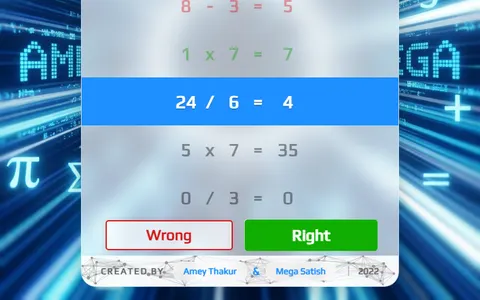 Math Sprint Game
Speed under pressure carries over to arithmetic, judging sums true or false while wrong answers add time.
 Canvas Tower Defense
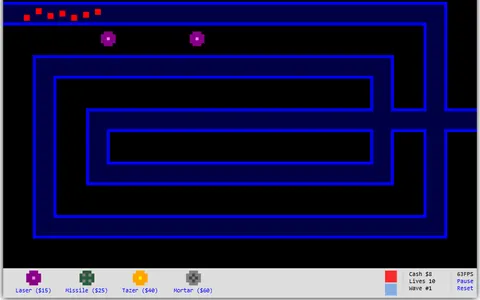
Defending a core from waves feels familiar, though turrets do the shooting while you plan where they go.
Questions
Can I play Typer Defense on a phone?
Not well. The game is controlled entirely by a physical keyboard and has no on-screen keys, so it is meant for laptops and desktops.
How many lives do you get in Typer Defense?
You get 10 lives. Each letter that reaches the red core costs one life and clears the screen, and the game ends when none are left.
Does Typer Defense get faster?
The pace stays fairly steady, though each letter moves at its own random speed. The challenge comes from staying accurate over a long run rather than from a rising speed level.
More like this: all casual games · every game A–Z