Universal Reversi
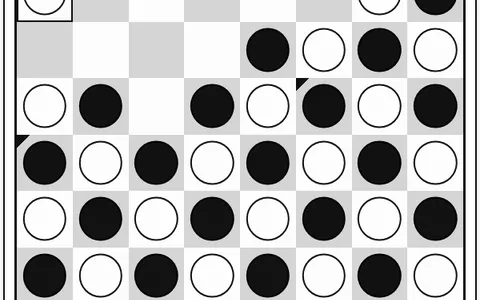
Universal Reversi takes the familiar disc-flipping duel and joins the board's edges together. A line that runs off the right side reappears on the left, and top and bottom are linked as well.
That one change wipes out the usual safe corners and edges and makes every square a possible target. The whole thing, made by Norbert Nopper, is one self-contained page that opens in a browser tab with nothing to install. You can pick a board size, five computer strengths and several player setups.
How to play Universal Reversi
Four discs sit in the center at the start, two black and two white, placed diagonally. On your turn, set down a disc so that at least one straight row of enemy discs is sandwiched between it and one of your own. Every sandwiched disc flips to your color. Rows count in all eight directions and can continue through an edge to the other side.
Dots mark the squares where you are allowed to move. With no legal square, you skip and your opponent plays again. Once both players are stuck, play stops and the higher disc count wins, or it is a tie on equal counts.
The default setup is you as Black against the computer on an 8x8 board, with Black moving first. In Game Settings you can switch to two humans, hand Black to the AI, or sit back while the AI plays itself. Press Reset Game to apply changes.
Controls
| Action | Keyboard | Mouse | Touch |
|---|---|---|---|
| Place a disc | — | Click a cell with a dot | Tap a cell with a dot |
| Pan the board view | Arrow keys | Click the PAN arrows | Tap the PAN arrows |
| Restart and apply settings | — | Click Reset Game | Tap Reset Game |
| Change players, size or level | — | Game Settings panel, then reset | Game Settings panel, then reset |
Tips
- Do not treat corners as safe. A disc there can still be outflanked by a line that wraps in from the far side.
- Pan the view so a wrapped line appears in one piece on screen. It is much easier to count what will flip that way.
- In the opening, having more legal moves than your opponent is worth more than having more discs.
- Keep the move dots turned on. While the AI decides, the dots remain on screen, so you can see every option it has.
- Learning the wrap rules? Push the AI response delay up toward 2 seconds so you can follow every flip it makes.
If you like Universal Reversi, try these
 Go
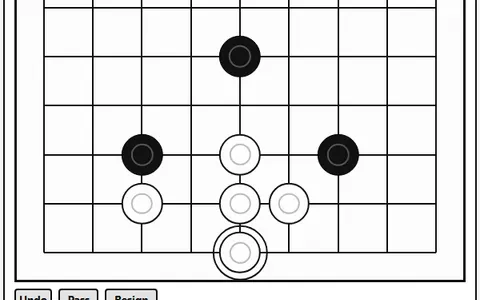
Territory and surrounding drive this ancient game, so your eye for edges and capture shapes still pays off.
 Gomoku
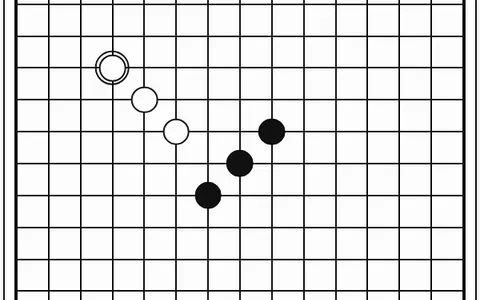
Stones never flip in this one; you simply race to make five in a row on a 15x15 board.
Questions
What makes Universal Reversi different from regular reversi?
The board wraps around at all four edges, so lines continue from one side to the opposite side. Corners and borders lose their usual protection.
What board sizes can I choose in Universal Reversi?
You can pick 6x6, 8x8 or 10x10 with the board size slider. The new size takes effect after you press Reset Game.
How hard is the Universal Reversi computer?
There are five levels: Very Easy, Easy, Medium, Hard and Extra Hard. Medium is selected when you first open the game.
More like this: all board & card games · 2-player games · every game A–Z