Fleet Strike
Fleet Strike is a one-player sea battle on two 10 by 10 grids. You tuck five ships into your own waters, then fire blind at the enemy grid, one square per shot, until every enemy ship is gone or yours are.
Your opponent is smarter than a random shooter. The computer keeps track of where your ships could still fit and aims at the most likely squares. No download is needed since it loads straight into the browser, and it plays best on a laptop or a phone turned sideways.
How to play Fleet Strike
First comes setup on the Your Fleet grid. Choose a ship from the list, from the two-square Patrol Boat up to the five-square Aircraft Carrier. Use Rotate Ship to flip it between horizontal and vertical, then click a square to drop it. Ships may not overlap or stick out past the border. Press Start Game once all five are placed.
Now take shots by clicking squares on the Enemy Fleet grid. A miss shows as a white square with an X, and a hit turns red. Hit every square of a ship and it sinks. The computer answers each of your shots with one of its own, and you see its results land on your grid.
When one fleet has nothing left afloat, a message announces the winner. Restart Game deals a new round with the enemy ships moved.
Controls
| Action | Keyboard | Mouse | Touch |
|---|---|---|---|
| Choose a ship | — | Click its name in Place Your Ships | Tap its name in the list |
| Rotate | — | Click Rotate Ship | Tap Rotate Ship |
| Place | — | Click a square on Your Fleet (hover to preview) | Tap a square on Your Fleet |
| Fire | — | Click a square on Enemy Fleet | Tap a square on Enemy Fleet |
| New round | — | Click Restart Game | Tap Restart Game |
Tips
- Shoot in a checkerboard pattern while searching. The shortest ship covers two squares, so every other square is enough to find them all.
- After a hit, test the four squares around it. Once a second hit appears, keep firing along that line until the ship sinks.
- The computer's early targeting leans toward certain corners and the squares next to them, so hiding a ship tight in a corner is risky.
- Leave water between your ships. When two touch, a run of hits on one often uncovers the other.
- Mix vertical and horizontal placements. A fleet laid out all one way is easier to read once a couple of ships are found.
If you like Fleet Strike, try these
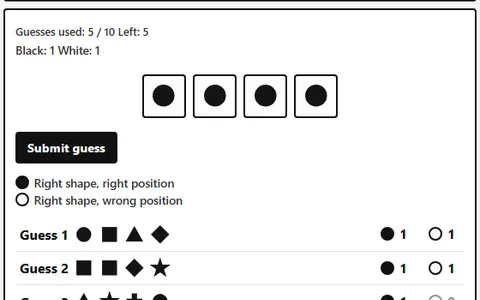 Bulls and Cows
Reading hit feedback carries over, cracking a four-shape code using peg hints within limited turns.
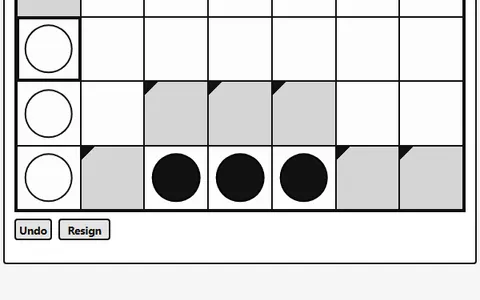 Four in a Row
Head-to-head play against the computer stays quick here, dropping discs to line up four first.
Questions
Is the computer in Fleet Strike hard to beat?
It is a solid opponent, because it fires at the squares where your ships are most likely to be instead of guessing at random. Careful searching and smart placement are what beat it.
Can I play Fleet Strike with a friend?
No, this is a single-player game against the computer only. Each round you set up a fleet and face a fresh hidden enemy layout.
Does Fleet Strike keep track of my wins?
Yes. Games won and your shot accuracy are stored in your browser and shown on the page, and a Reset Stats button clears them.
More like this: all board & card games · every game A–Z